 Minmentoby WhiteMirror
Download
Download Minmento for Windows
Get Minmento from the Microsoft Store. It runs on Windows 10 and Windows 11, and works without an internet connection once installed.
Version {VERSION}
Before you install
- Platform: Windows 10 and Windows 11.
- Where your data goes: into a local file in your Windows user profile. Minmento does not upload your tasks.
- Sign-in: Minmento asks you to sign in with Google when you first open it. In the app's own words, signing in doesn't sync or upload your tasks.
- Moving machines: export a full JSON backup in Settings, install Minmento on the new PC, and import it.
- Updates: Store installs update through the Microsoft Store.
First five minutes
- Open Minmento and press Ctrl + Space to capture your first task.
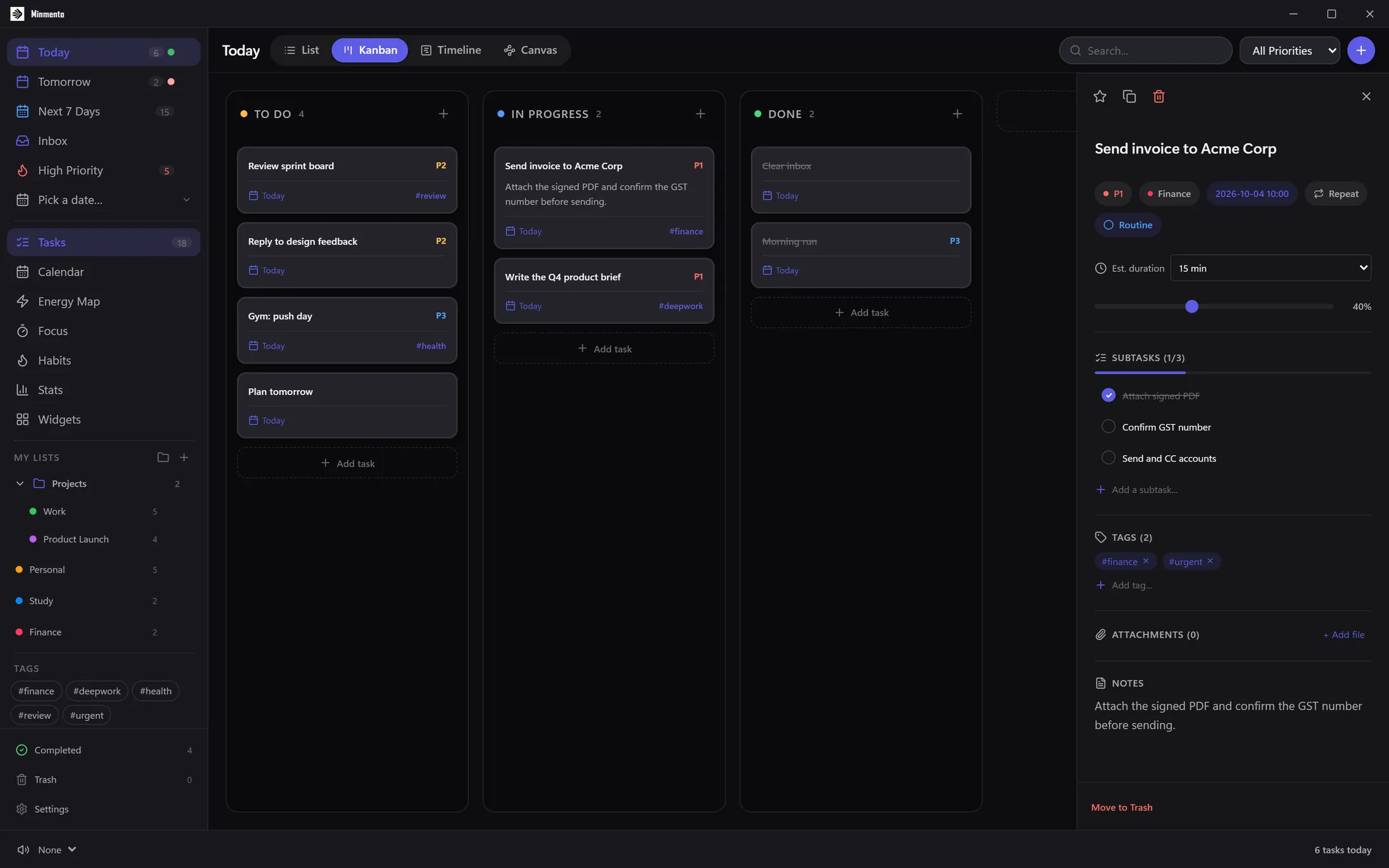
- Open Today to see what is due, and switch to Kanban or Timeline from the pill switcher.
- Start a Pomodoro from Focus, or add a habit in Habits.